After ordering your IPTV subscription or IPTV Free trial, our expert support team will guide you through the IPTV setup on any device. Whether it’s FireStick, Android, Apple TV, or Smart TV — we’ve made IPTV activation simple. You will also get the activation guide on your email when credentials are sent.
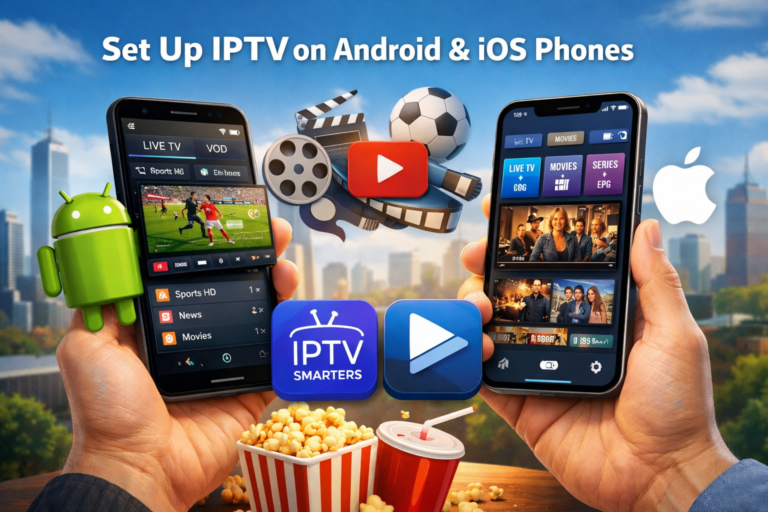
Setup for android tv, android and ios phones
Watch live TV and VOD on the go by installing TenetStreams IPTV on your smartphone. Use top-rated IPTV apps like TenetStreams applications, IPTV Smarters or TiviMate to activate your IPTV subscription on Android or iPhone.
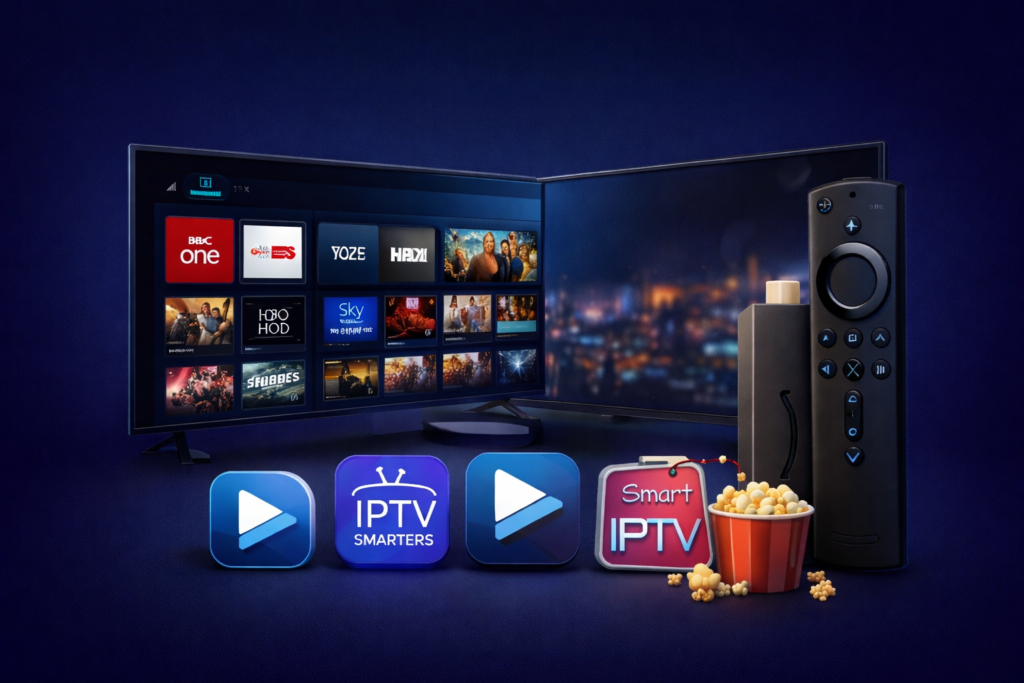
Set up TenetStreamsIPTV free trial in your Amazon Firestick to enjoy all types of entertainment in the comfort of your home. Enjoy 18,000+ channels and VOD in just a few steps with IPTV apps such as TiviMate, IPTV Smarters Pro, or Smart IPTV. Ideal for HD/4K viewing on a large screen.
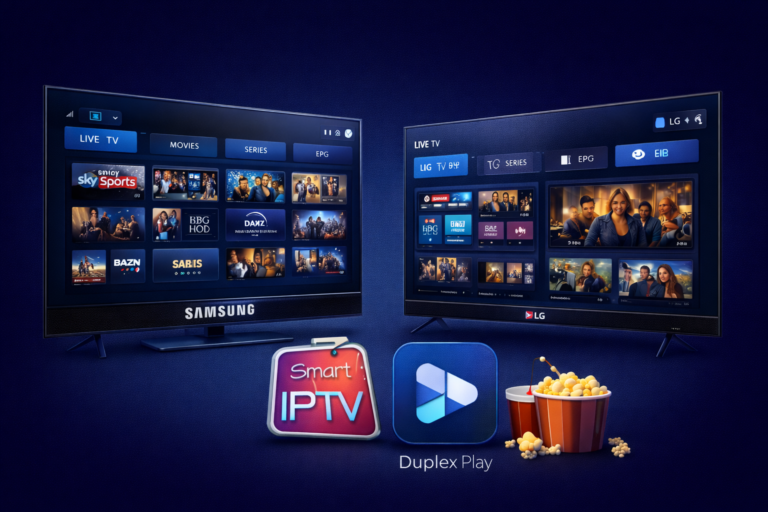
Watch TenetStreams IPTV on your Tv without needing a separate device. Just install Smart IPTV or Duplex Play and start streaming over 18,000+ live channels and 130,000+ VOD titles in HD & 4K. Quick setup, smooth experience.
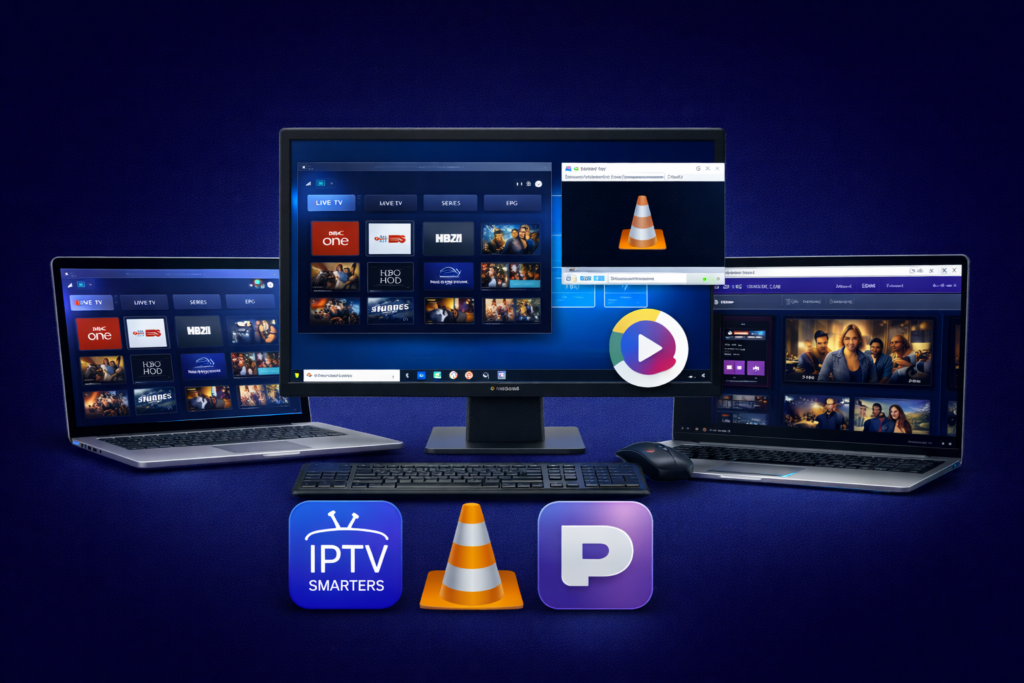
Install iptv free trial for Windows, Mac and Browser
Set up TenetStreams IPTV on your windows pc or your preferred mac os device using apps like iptv smarters, VLC and webtv portals like purple iptv player. Perfect for desktop viewing, this setup supports HD & 4K channels, EPG, and multi-device sync.